Everything Stays on Your Device
No cloud uploads. No internet required. HDR→SDR processes your videos right on your Mac or iPhone using Apple's AVFoundation. Your files are yours and they stay that way.

Convert iPhone HDR footage to SDR in one click.
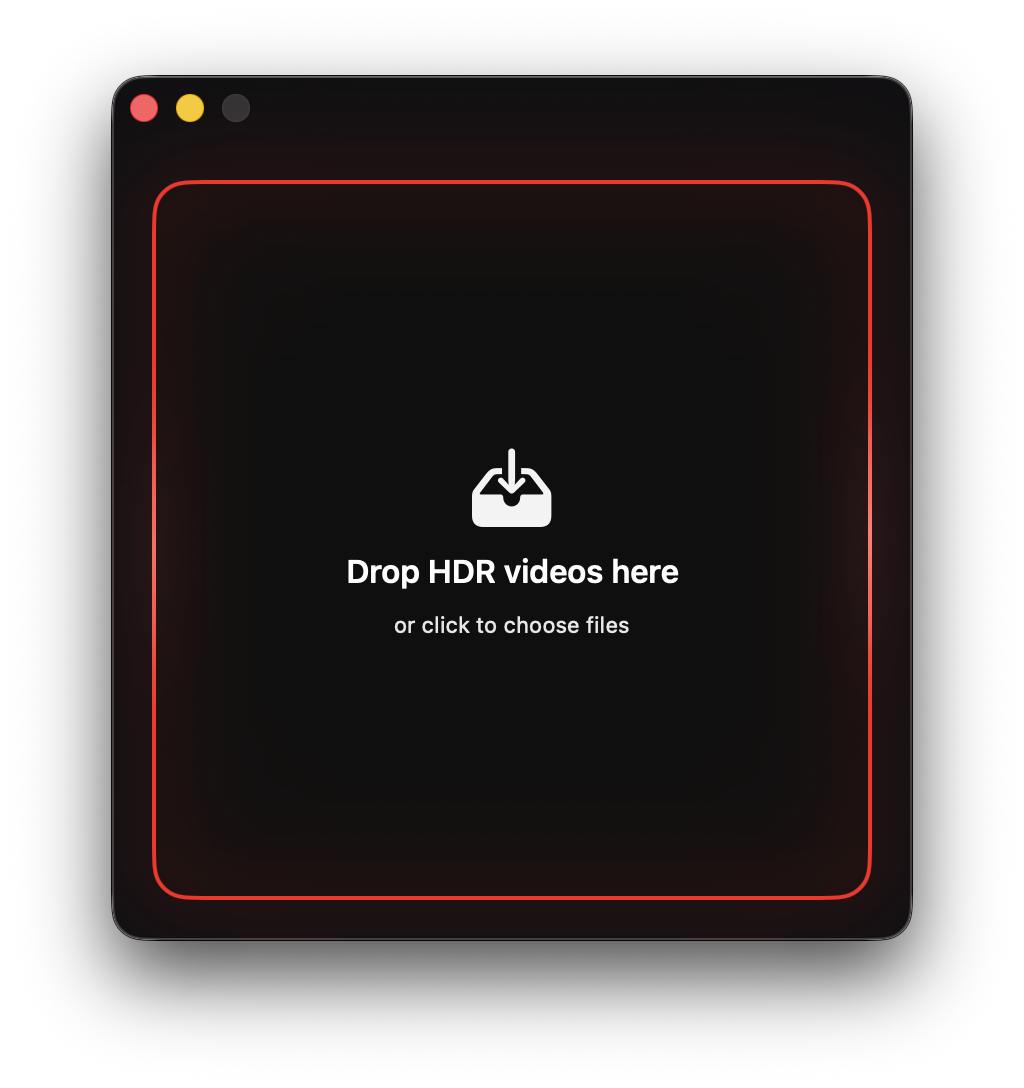
Your iPhone shoots beautiful HDR video. Too bad it looks awful everywhere else. HDR→SDR fixes that. Drag in your clips, hit convert, and get proper tone-mapped SDR files that look the way they should. No uploads, no weird colors, no hassle.
Works on Mac and iPhone. Everything runs locally—your footage never goes anywhere. Edit in Final Cut, post to Instagram, or just save your videos without the HDR mess. It's that simple.


No cloud uploads. No internet required. HDR→SDR processes your videos right on your Mac or iPhone using Apple's AVFoundation. Your files are yours and they stay that way.
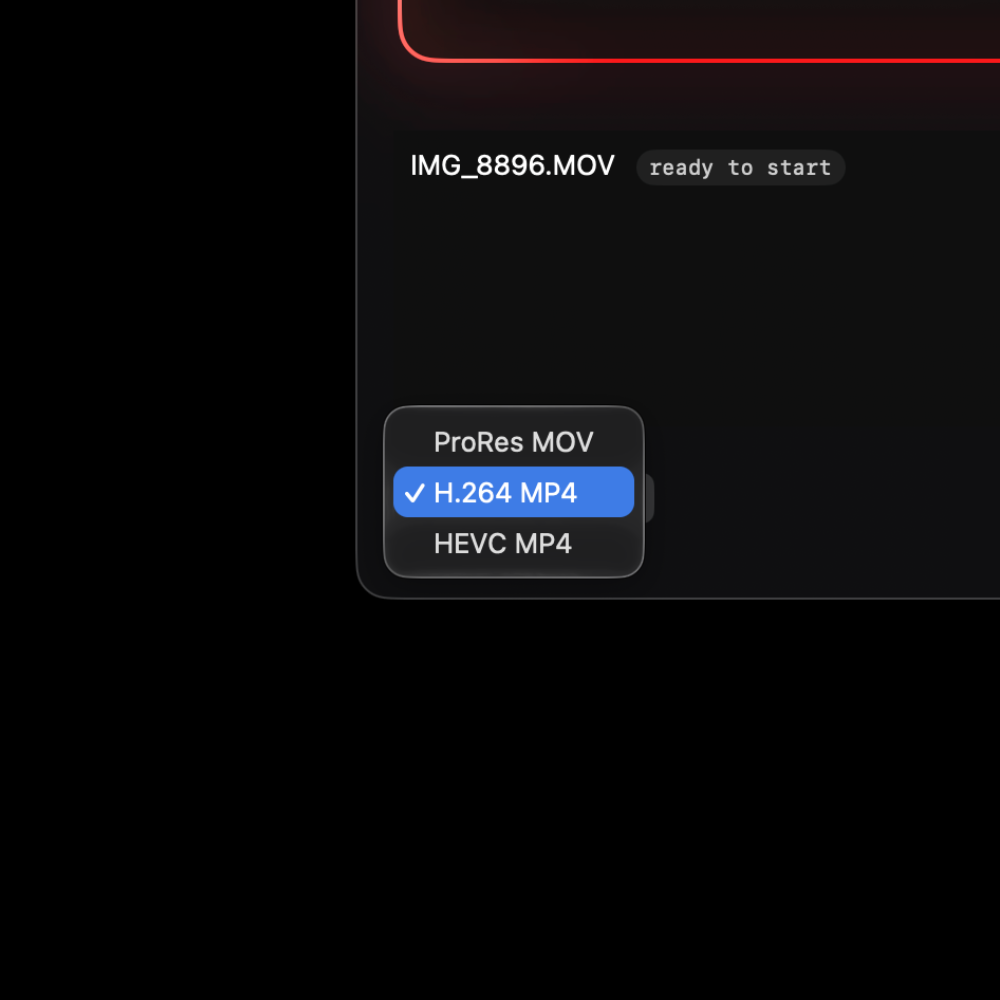
ProRes 422 for editing. H.264 or HEVC for smaller files. Every export is tagged with proper Rec.709 metadata so your videos play back correctly everywhere.
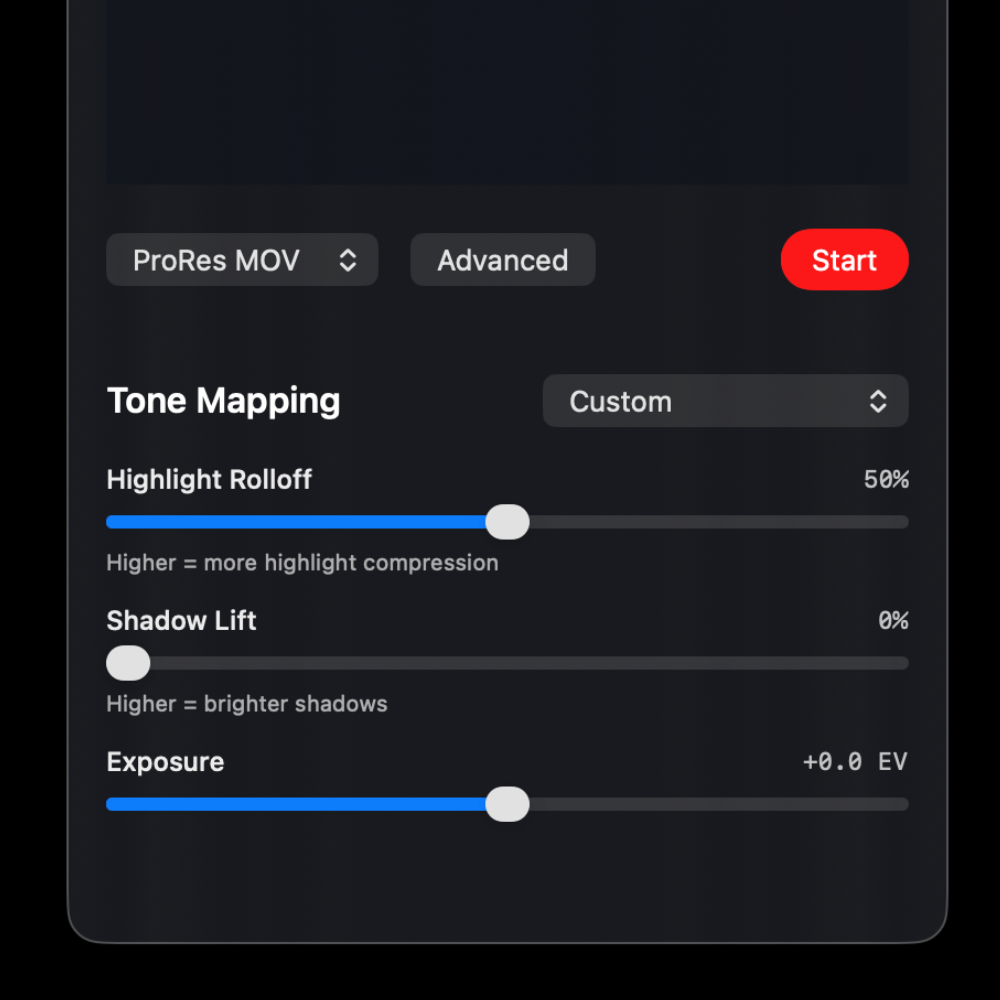
Pick from seven presets—Natural, Bright, Cinematic, Vivid, Soft, High Contrast, or Preserve Highlights. Want more control? Switch to Custom and dial in exactly what you want with sliders for highlights, shadows, and exposure.
Drop in as many videos as you want. The queue shows you what's happening with each file. Reorder them if you need to. When everything's done, you'll get a notification.
The app checks the metadata to see if your video is really HDR. If it's not, you'll get a heads up so you don't waste time converting something that doesn't need it.
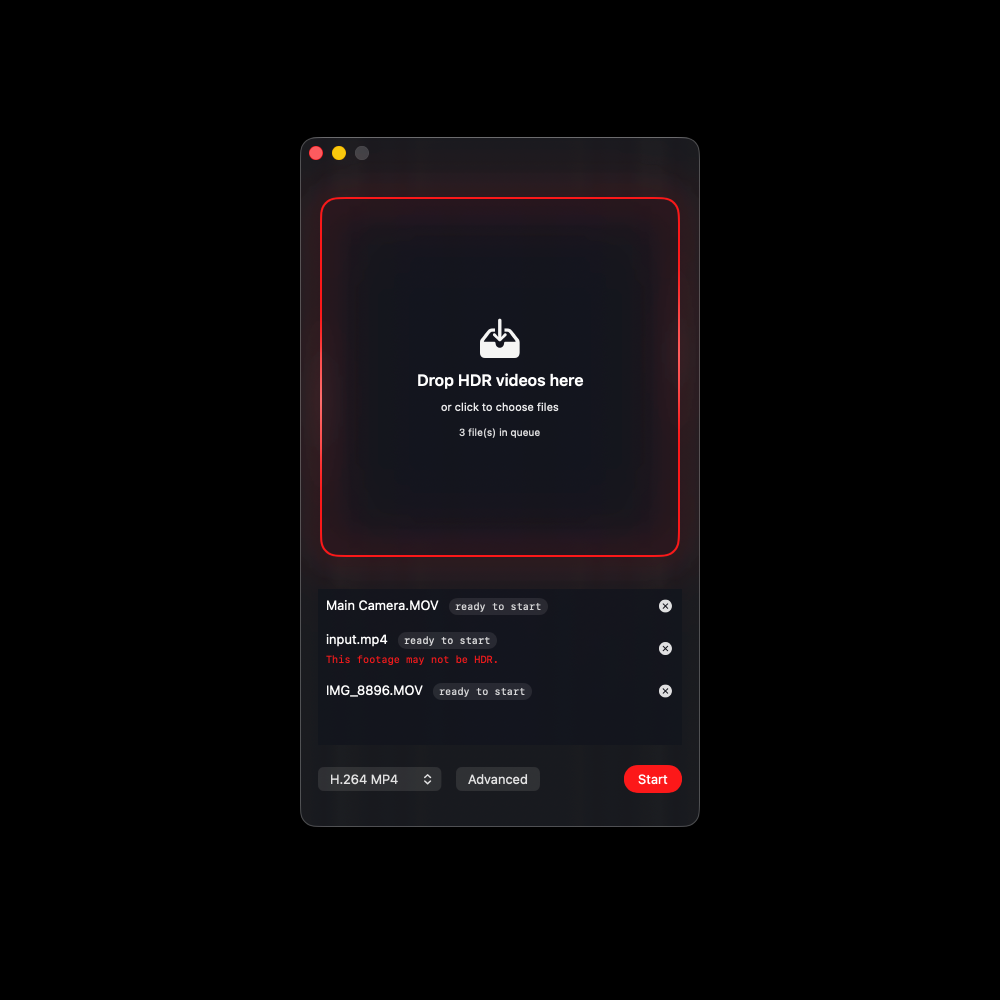
Built with SwiftUI for Mac and iPhone. Dark interface, smooth animations, nothing complicated. Just pick your videos and convert them.
Grab HDR→SDR from the Mac App Store or App Store and start converting.